Featured Snippets: Format the Answer Clearly Without Writing for the Snippet
TLDR
Effective featured snippet content structure starts with one narrow question, an immediate answer and a format that matches the reader’s task. Use prose for definitions, numbered steps for genuine sequences, bullets for parallel items and tables for normalized comparisons. Then add the evidence, exceptions and examples needed to finish the job. Google decides whether a page and a particular section are suitable for a featured snippet; there is no published word count, heading formula or markup switch that guarantees selection.
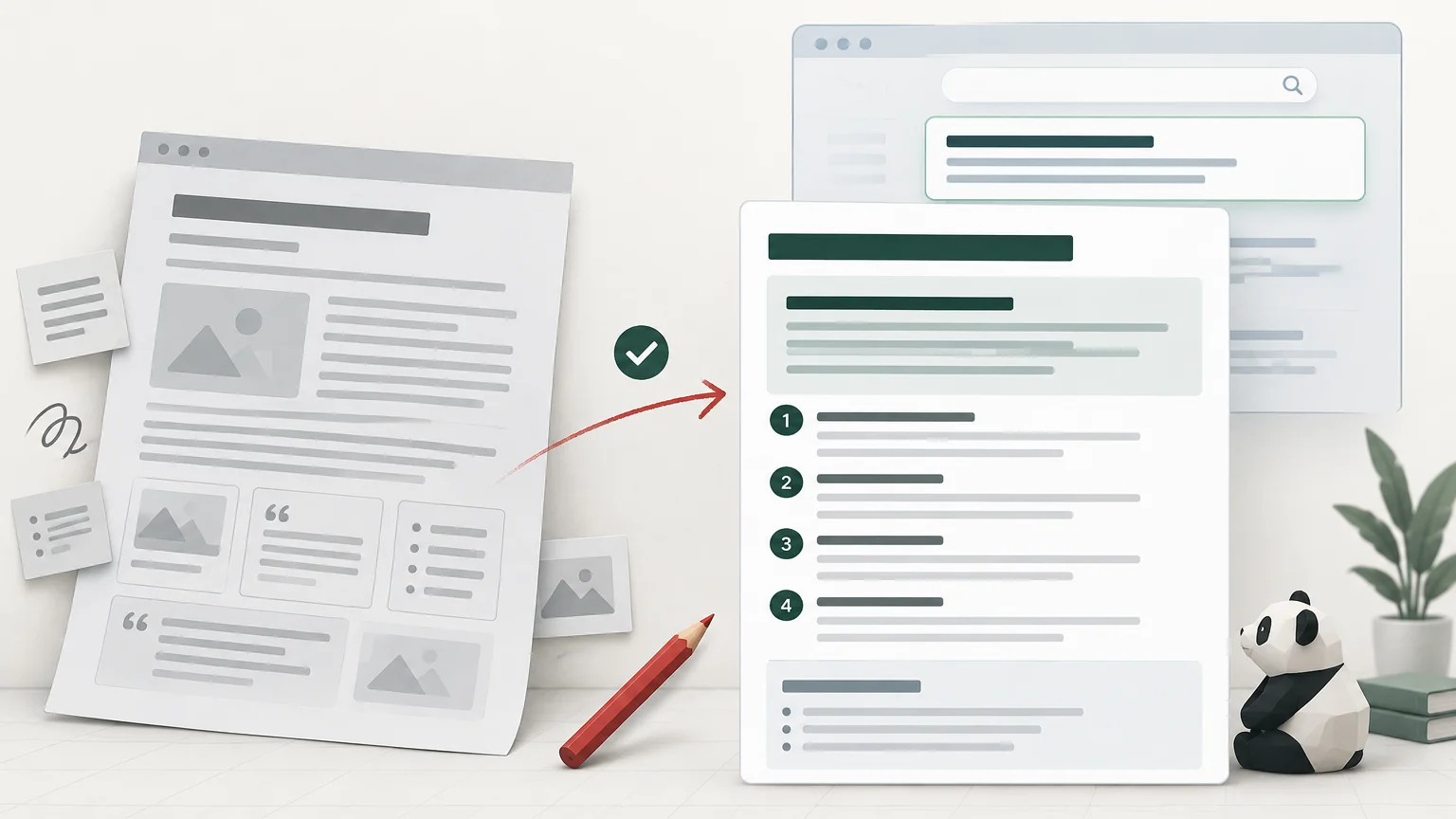
The wrong goal is to make every page resemble a collection of miniature search results. The better goal is answer architecture: make each important section understandable on its own, while keeping the page useful after the concise answer ends. A snippet is a possible presentation outcome, not the purpose of the page.
What featured snippet content structure actually means
A strong answer section has four parts: a task-specific heading, a direct answer, a native format suited to the task and a depth layer. The first two make the section easy to understand. The format organizes the information honestly. The depth layer supplies the qualifications, examples and decision support that a short extract cannot contain.
Google explains that its systems determine whether a page is a good featured-snippet candidate and then select the section that best describes the search request. Publishers cannot manually request the feature, and Google does not specify an exact minimum text length. Google’s featured snippet documentation is notably less formulaic than much of the advice written about it.
That matters because extractability and usefulness are related but not identical. A compact paragraph can be easy to extract yet incomplete or misleading. A detailed section can be useful yet so poorly organized that readers have to reconstruct the answer themselves. Good structure resolves both problems: it gives the answer early and earns the rest of the page through substance.
Do not confuse featured snippets with other search features
A regular result snippet is the descriptive text shown with a search result. Google says these snippets are created primarily from page content and can vary by search; it may use the meta description when that better describes the page. A featured snippet is a distinct presentation in which Google highlights a selected answer section. Rich results and other visual elements are also separate search-result features, with their own supporting systems and eligibility requirements.
This distinction prevents several bad tactics. Rewriting a meta description does not create the answer block Google may select from the body. Adding structured data for a separately documented rich-result type is not a featured-snippet switch. Nor does a heading phrased as a question compel Google to use the paragraph below it.
Match the format to the reader’s job
Choose a structure because it represents the answer accurately, not because a tool labels a query as a paragraph, list or table opportunity. Search results are useful evidence of how Google currently interprets a query, but they are not permanent templates. When related queries appear to share an intent, use reader jobs and query-to-page evidence before making structural decisions; SERP similarity is a clue rather than an automatic content decision.
| Reader job | Useful structure | Common failure |
|---|---|---|
| Understand a definition | A bounded paragraph that defines the term and distinguishes it from nearby concepts | A long preamble that delays the definition |
| Complete a process | Numbered steps in the order they must be performed | Pseudo-steps that are actually unrelated tips |
| Review options or requirements | Parallel bullets using the same grammatical and logical level | An arbitrary list mixing actions, benefits and caveats |
| Compare alternatives | A table with consistent attributes, units and assumptions | Uneven columns or cells filled only to make a table look substantial |
| Diagnose a problem | A symptom-to-cause flow followed by verification steps | Generic troubleshooting prose with no decision path |
| Choose a recommendation | Criteria, tradeoffs and a conditional conclusion | A thin list declaring one choice best for everyone |
A numbered list is appropriate only when order matters. If a reader can perform the items in any order, bullets may be more accurate. A table helps when each option can be evaluated against the same fields. If the cells require unrelated explanations or numerous exceptions, prose organized by decision criterion may be clearer.
Definitions need boundaries, not arbitrary brevity. Answer what the thing is, then clarify what it is not when confusion is likely. Processes need enough detail to perform the work safely. Comparisons need consistent assumptions. The form follows the information.
Build a self-contained answer module
1. Write a task-specific heading
A useful heading identifies the question or decision handled by the section. “How to audit an existing answer section” is more informative than “Optimization tips.” Exact-match query headings are not compulsory. Clarity matters more than mechanically repeating keyword variants.
2. Give the direct answer immediately
Start with the conclusion, definition or first necessary action. Do not place a scene-setting paragraph between the heading and the answer. If an important caveat changes the conclusion, include it immediately rather than hiding it several paragraphs later.
3. Use the native structure
Keep ordinary explanations in prose. Use semantic lists for actual lists and tables for real comparisons. Ensure the text is visible and available in the page content rather than inserted purely through visual styling. Google’s technical guidance describes text as the safest way to help it understand page content and notes that content added with the CSS content property is not part of the DOM it uses.
4. Add the depth layer
The concise answer should open the section, not exhaust it. Follow it with supporting evidence, exceptions, examples, selection criteria or implementation detail. Google’s people-first guidance asks whether content provides substantial, complete or original value for an intended audience rather than existing primarily to attract search visits. This is a useful test for every answer module: if the extractable paragraph disappeared, would the remaining section still help someone do the work?
A worked example: from vague prose to a usable answer
Weak version
Heading: “Improving page speed.” Answer: “Page speed has become increasingly important in the modern digital landscape, and there are many strategies businesses can consider when trying to make a website faster and provide a better user experience.”
The section sounds relevant but avoids the task. It offers no starting point, sequence or decision criterion. The introductory language could sit on thousands of pages without changing. It is neither a complete answer nor a useful bridge to one.
Stronger revision
Heading: “How should you investigate a slow page?” Answer: “Begin by measuring the affected page with the same URL, device assumptions and test conditions you will use after the change. Identify whether the main delay comes from server response, render-blocking resources, large media or client-side execution. Fix the dominant constraint first, then repeat the measurement before changing another variable.”
The revision states a sequence because the task has one. It also introduces measurement discipline and prevents several simultaneous changes from obscuring the result. A useful depth layer could then explain test conditions, diagnostic tools, common constraints and cases where field and laboratory observations differ.
This revision is easier for both readers and systems to interpret, but that does not mean it will win a featured snippet. Selection can vary with the query, competing pages and the search presentation. The defensible claim is that the section now answers its heading and supports the reader’s next action.
Avoid the recurring featured-snippet myths
- There is no universal 40-to-60-word rule. Google does not publish an exact minimum length for featured snippets, and the necessary length depends on the answer.
- Lists and tables are not automatic triggers. Use them when the information is genuinely sequential, parallel or comparable.
- Question headings are not magic syntax. A descriptive heading can be better when it identifies the task more precisely.
- Structured data does not create a general featured-snippet entitlement. Treat separately documented rich-result features as separate systems.
- A page does not become helpful by collecting thin answers to loosely related query variants. Every section should contribute to one coherent reader task.
- Formatting alone does not demonstrate causation. A change can coincide with indexing, ranking, demand, competitor or SERP-layout changes.
The most damaging myth is that concision requires shallowness. A page can provide a short answer followed by a rigorous explanation. What it should not do is repeat the same answer under several near-duplicate headings to manufacture coverage.
How to audit an existing page for answerability
- Identify the page’s primary reader job. If the page serves several unrelated jobs, decide whether its scope is coherent before editing individual sections.
- Use Search Console to find the page’s visible queries, impressions, clicks and positions. Group plausible questions by intent rather than treating every wording variation as a separate section.
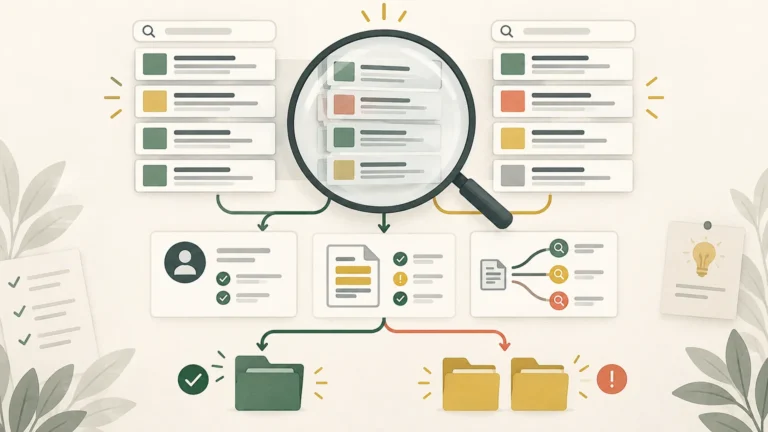
- Inspect the live search results and record the date, location, device and exact query. Note whether a featured snippet appears, what format it uses and whether the presentation changes across close variants.
- Read the page without looking at the search results. Mark headings that do not receive a direct answer, answers buried behind introductions and lists or tables that do not match the underlying information.
- Choose a limited hypothesis, such as moving a definition directly below its heading or turning a genuine process into ordered steps. Avoid rewriting the entire page if you want to learn from the change.
- Add the depth needed to complete the task. This may mean examples, evidence, limitations, criteria or troubleshooting—not simply more words.
- Record the changed URL, section, publication date, indexing observations and relevant query set. Measure the page in context rather than declaring success from one screenshot.
Google describes Search Console as a way to understand performance in Google Search and recommends combining it with analytics to understand what visitors do after arrival. It is useful for query-and-page analysis, but it should not be treated as a clean causal report proving that a formatting edit captured a featured snippet.
This audit also needs restraint. A page that still ranks but performs poorly after the click may have an offer, intent or downstream-experience problem rather than an answer-format problem. Diagnose those possibilities before applying a cosmetic rewrite; the same principle guides a broader refresh of a ranking page that no longer converts. For large inventories, incorporate answerability into a template quality audit instead of manually adding question blocks to every URL.
Editing checklist
- Does the section heading identify a real question, decision or task?
- Does the first sentence answer that heading without a generic preamble?
- Would a paragraph, ordered list, unordered list, table or diagnostic flow represent the information most honestly?
- Are list items parallel, and do numbered steps follow a necessary order?
- Do table rows use the same attributes and assumptions?
- Is the important text visible, crawlable and understandable without decorative styling?
- Are limitations placed close enough to prevent the concise answer from becoming misleading?
- Does the section provide meaningful depth after the immediate answer?
- Does the page remain coherent, or has it become a warehouse of loosely related questions?
- Would the section still deserve to exist if no featured snippet appeared?
Measure the page, not just the feature
Monitor the relevant page and query group over a meaningful period. Review impressions, clicks, click-through rate and average position in context, then use analytics to examine engagement or conversion outcomes appropriate to the page. Keep annotations for edits, indexing events, seasonality and major SERP changes.
Do not reduce the evaluation to whether a third-party tool reports a snippet. A clearer answer can help visitors even when Google does not display the feature. Conversely, apparent snippet ownership is not necessarily valuable if the query is irrelevant, traffic does not reach the intended audience or post-click performance deteriorates.
Sites that do not want particular content shown in snippets have controls including nosnippet, max-snippet and data-nosnippet. Those controls affect search previews; they are not optimization levers for requesting a featured snippet.
The practical recommendation
Choose one existing page with a clear reader job and a plausible question-like query set. Find the most important section that delays, obscures or misformats its answer. Rewrite that section as a self-contained module: precise heading, immediate answer, appropriate structure and substantive depth. Record the change and evaluate the page as a whole.
That is less exciting than a word-count formula, but it is more durable. Structure content so a reader can understand the answer, verify its limits and take the next step. If Google selects the section for a featured snippet, that is an additional search presentation—not the only reason the section was worth improving.
References
- Featured Snippets and Your Website | Google Search Central | Documentation | Google for Developers
- How to Write Meta Descriptions | Google Search Central | Documentation | Google for Developers
- Visual Elements Gallery of Google Search | Google Search Central | Documentation | Google for Developers
- Technical SEO Techniques and Strategies | Google Search Central | Documentation | Google for Developers
- Creating Helpful, Reliable, People-First Content | Google Search Central | Documentation | Google for Developers
- How To Use Search Console | Google Search Central | Documentation | Google for Developers
- More options to help websites preview their content on Google Search | Google Search Central Blog | Google for Developers